-
Tableau integration 101 6 min
-
Share your feedback 1 min
-
Complete course 1 min

Automate thinkcell with Tableau
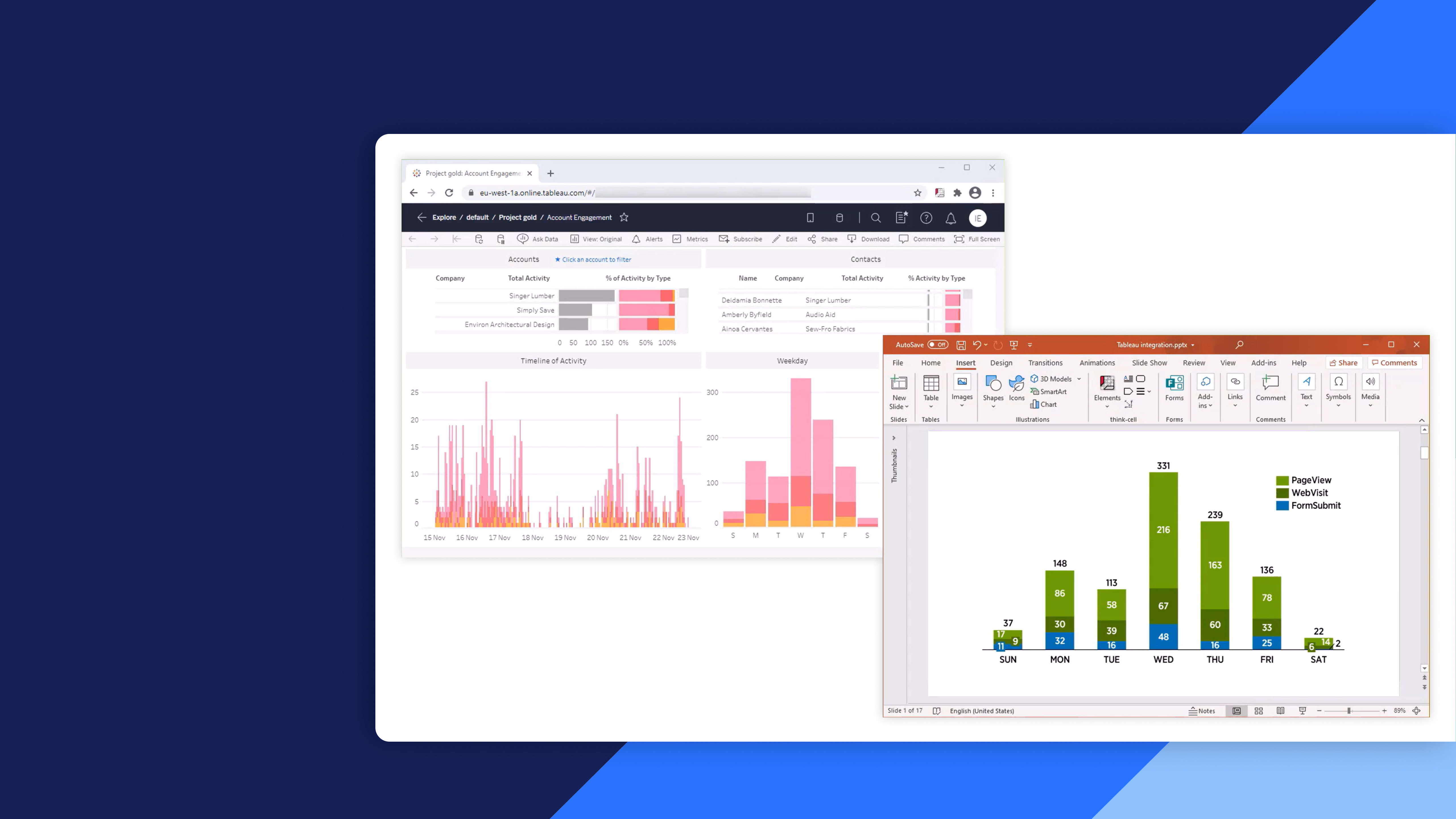
Learn how to integrate Tableau data into thinkcell to create linked charts and update them with a single click
Connect Tableau data with thinkcell to create dynamic, data driven charts in PowerPoint. Learn how to integrate, customize, update, and manage Tableau linked visualizations using thinkcell.
- Tableau integration: Connect Tableau data to thinkcell charts in PowerPoint and keep visualizations aligned with changes in the source data.
- Browser extension: Set up and use the thinkcell browser extension in supported browsers to access Tableau data for visualization.
- Chart creation and customization: Create thinkcell charts from Tableau data, assign data types, and customize the appearance of your visualizations.
- Chart updates: Refresh linked thinkcell charts with a single click using the floating toolbar or data links dialog in PowerPoint.
- Link management: Disconnect charts from their Tableau data source and transfer data to thinkcell’s internal datasheet for further editing.