- Basic agenda features
-
Insert an agenda and create (sub)chapters 4 min
-
Sort agenda slides and create a table of content 3 min
- Advanced agenda features
-
Format and style an agenda 4 min
-
Learn more about slide design, placements and templates 4 min
-
Create multiple agenda structures 1 min
- Completion
-
Share your feedback 1 min
-
Complete course 1 min

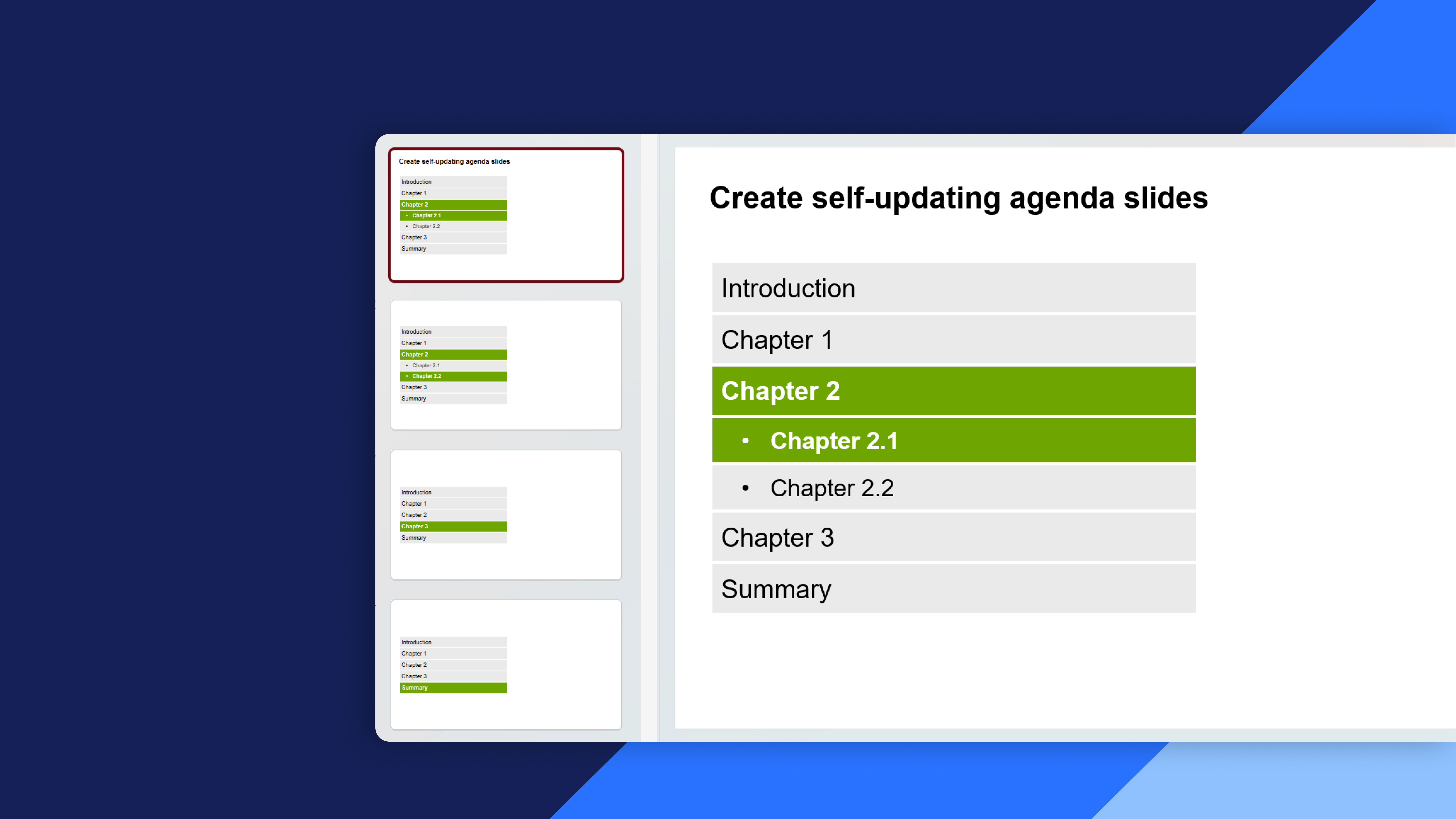
Create self-updating agenda slides
Learn how to create, customize, and manage thinkcell agendas for clear, consistent presentation structure
Create and customize agendas in thinkcell to organize presentations, guide your audience, and maintain a consistent structure throughout your slides.
- Agenda basics: Insert chapters and subchapters, add or remove agenda slides, and understand how agendas help structure a presentation.
- Agenda organization and navigation: Order, reorder, and synchronize agenda slides, create tables of contents, and navigate between sections during a presentation.
- Advanced agenda features: Create multiple agenda structures and customize agenda layouts for different sections of a presentation.
- Agenda formatting and styling: Format agenda themes, chapter boxes, and slide designs to create a consistent and professional look.
- Design, placement, and templates: Modify agenda slide designs, lock the placement of agenda elements, and reuse customized agendas as templates for future presentations.