
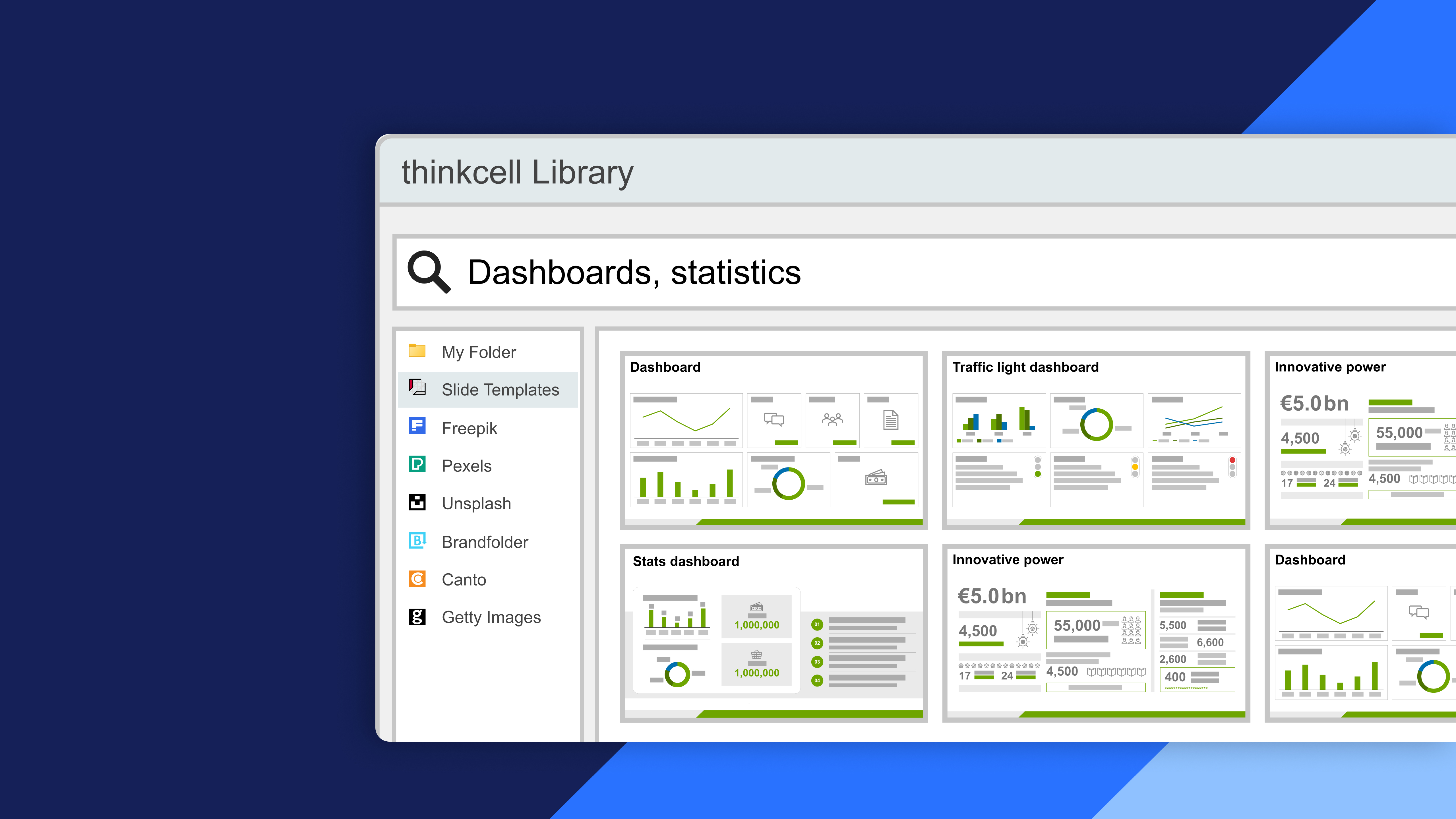
Discover the thinkcell Library

Learn how to efficiently use the thinkcell Library to integrate assets, manage images and icons, and insert templates for seamless presentation design

About this course

Use the thinkcell Library to quickly find, manage, and insert presentations, images, icons, and templates for efficient and consistent slide creation.

  • Asset integration: Add, search, and insert presentations, images, and other assets directly into your slides.
  • Images and icons: Find, insert, and manage visual assets to enhance your presentations and communicate ideas effectively.
  • Templates: Search for and insert presentation templates to streamline slide creation and maintain consistent designs.
  • Library organization: Manage and access presentation assets efficiently while maintaining secure and organized content.