
Discover the thinkcell Tools
Learn how to efficiently use the thinkcell Tools to align objects, clean up presentations, save and send slides, and insert symbols
About this course
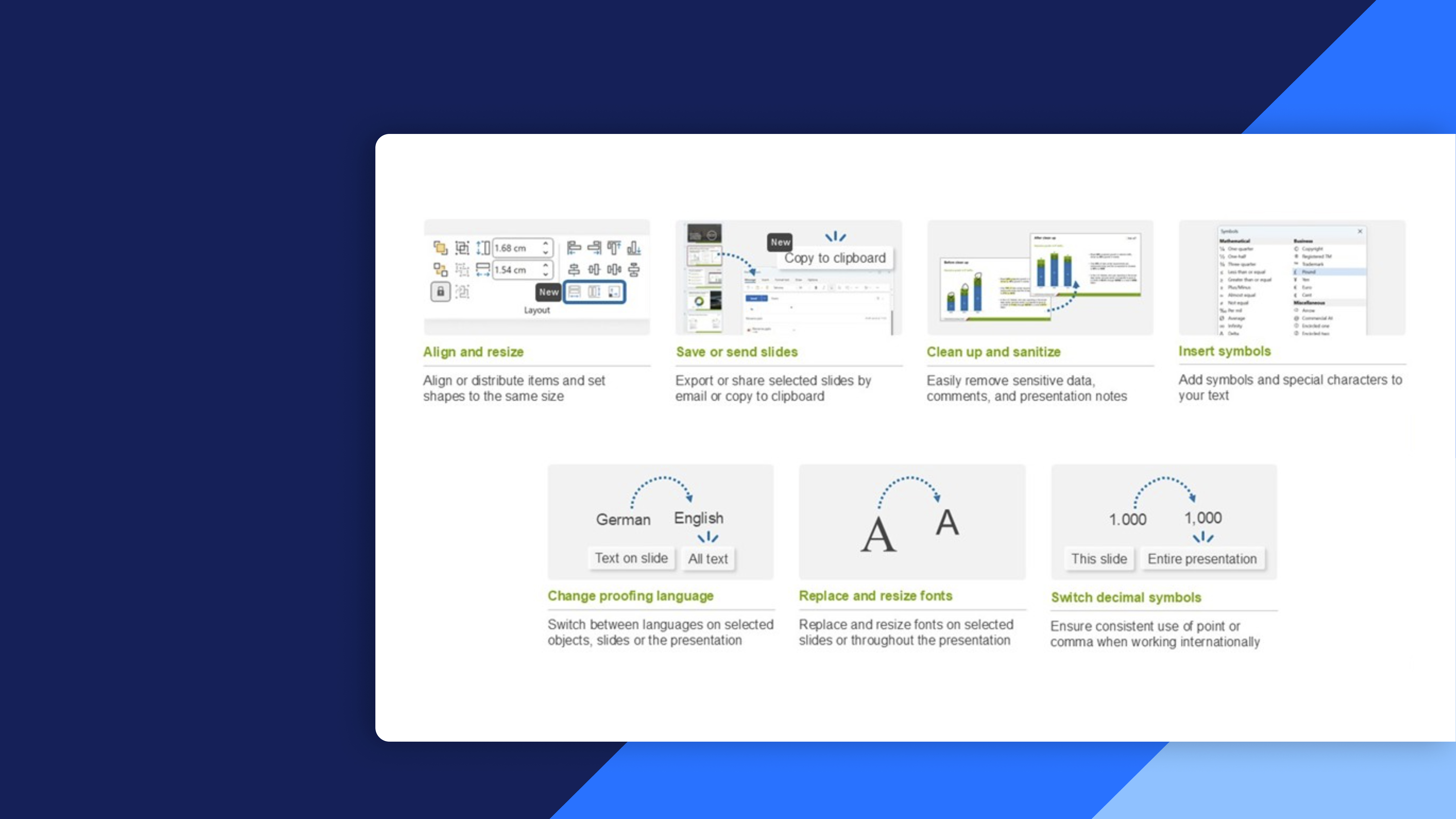
Use thinkcell Tools to streamline slide creation, maintain consistent layouts, and efficiently prepare presentations for sharing. Explore practical features that save time while improving presentation quality and security.
- Layout and resizing: Align and resize elements to quickly create clean, consistent, and professional slide layouts.
- Presentation cleanup: Use thinkcell Clean Up to remove sensitive information, comments, and unwanted content before sharing presentations.
- Send and save: Export and share complete presentations or selected slides efficiently and securely.
- Symbol insertion: Quickly find and insert commonly used symbols without navigating through multiple PowerPoint menus.