
- Course overview
-
thinkcell Assist Overview 2 min
-
A real life scenario 2 min
- thinkcell Assist features
-
Chat 3 min
-
Edit text 5 min
-
Translate slides 2 min
-
Create content 3 min
-
Research data & outro
- Completion
-
Test your knowledge
-
Share your feedback 1 min
-
Complete course 1 min
-
thinkcell Assist quick reference guide
Discover thinkcell Assist
Learn how to use thinkcell Assist to streamline presentation creation and boost productivity directly within PowerPoint
Use thinkcell Assist to streamline presentation workflows and work more efficiently in PowerPoint. Explore its core AI-powered features and apply them to everyday presentation tasks.
- Understand thinkcell Assist functionality: Learn how thinkcell Assist supports presentation creation while keeping users fully in control of content and decisions
- Use the chat interface: Interact with thinkcell Assist to ask questions, give instructions, and generate content within PowerPoint
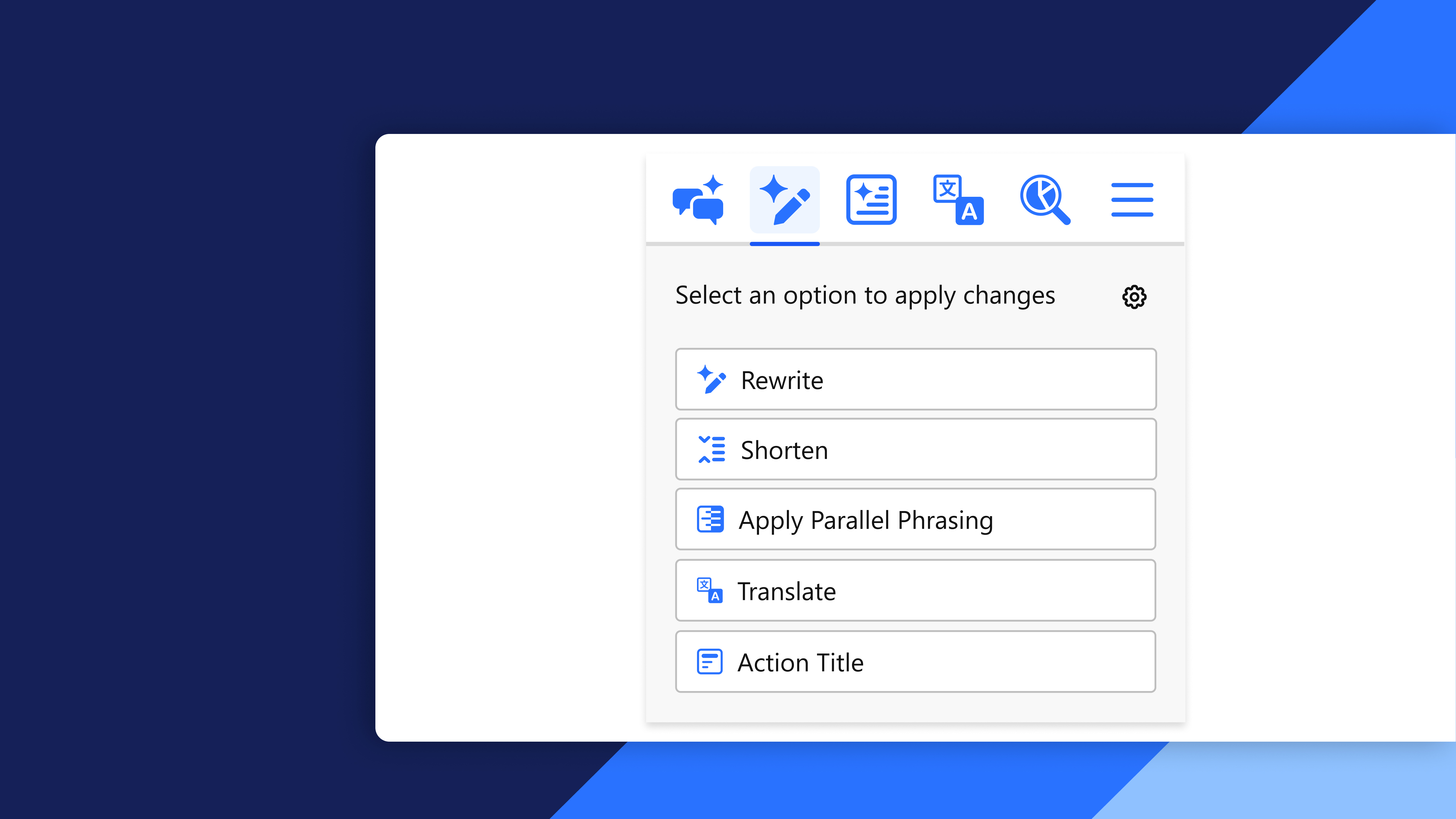
- Edit and enhance slide content: Create summaries, generate action titles, refine text, and translate slide content quickly and efficiently
- Research relevant information: Use thinkcell Assist to search for topic related information and data to support presentation development