- Smart text box
-
Discover the smart text box 5 min
-
Duplicate and move text boxes 3 min
-
Use case: Build a complex box slide from scratch 5 min
- Table
-
Explore basic functionality of our smart table 4 min
-
Customize look and feel of your table 3 min
-
Use case: Build a slide with table and chart from scratch 2 min
- Process flow
-
Create a process flow 4 min
-
Position and format the flow efficiently 3 min
- Completion
-
Share your feedback 1 min
-
Complete course 1 min

Draw slides with thinkcell Layout
Learn how to create professional slides with dynamic text boxes, tables, charts, and process flows using thinkcell's powerful layout tools
Create structured and professional slide layouts using thinkcell text boxes, tables, and process flows. Learn how to efficiently position, format, and manage elements while maintaining consistent slide design.
- Smart text boxes: Use smart text boxes to dynamically position, align, and adapt content as your slide changes.
- Text box editing: Duplicate, move, resize, and snap text boxes for precise and efficient slide creation.
- Tables: Create and customize thinkcell tables, link data, and apply formatting and styling to build professional table layouts.
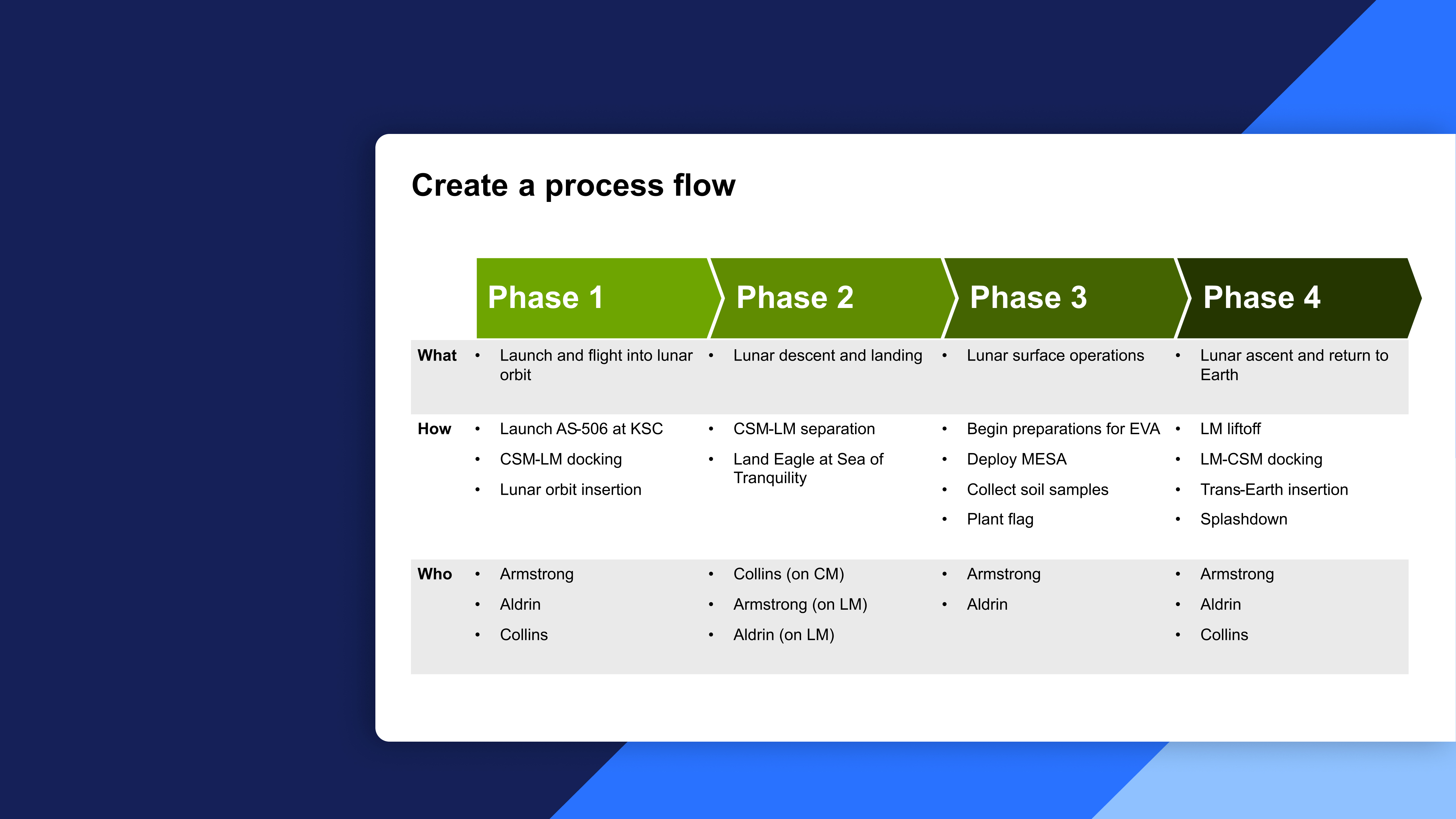
- Process flows: Build and format process flows by positioning, aligning, and styling elements to clearly communicate information.