Get started with thinkcell elements

Learn how to use thinkcell elements in PowerPoint to build structured, visually consistent presentations

rate limit

Code not recognized.

About this course

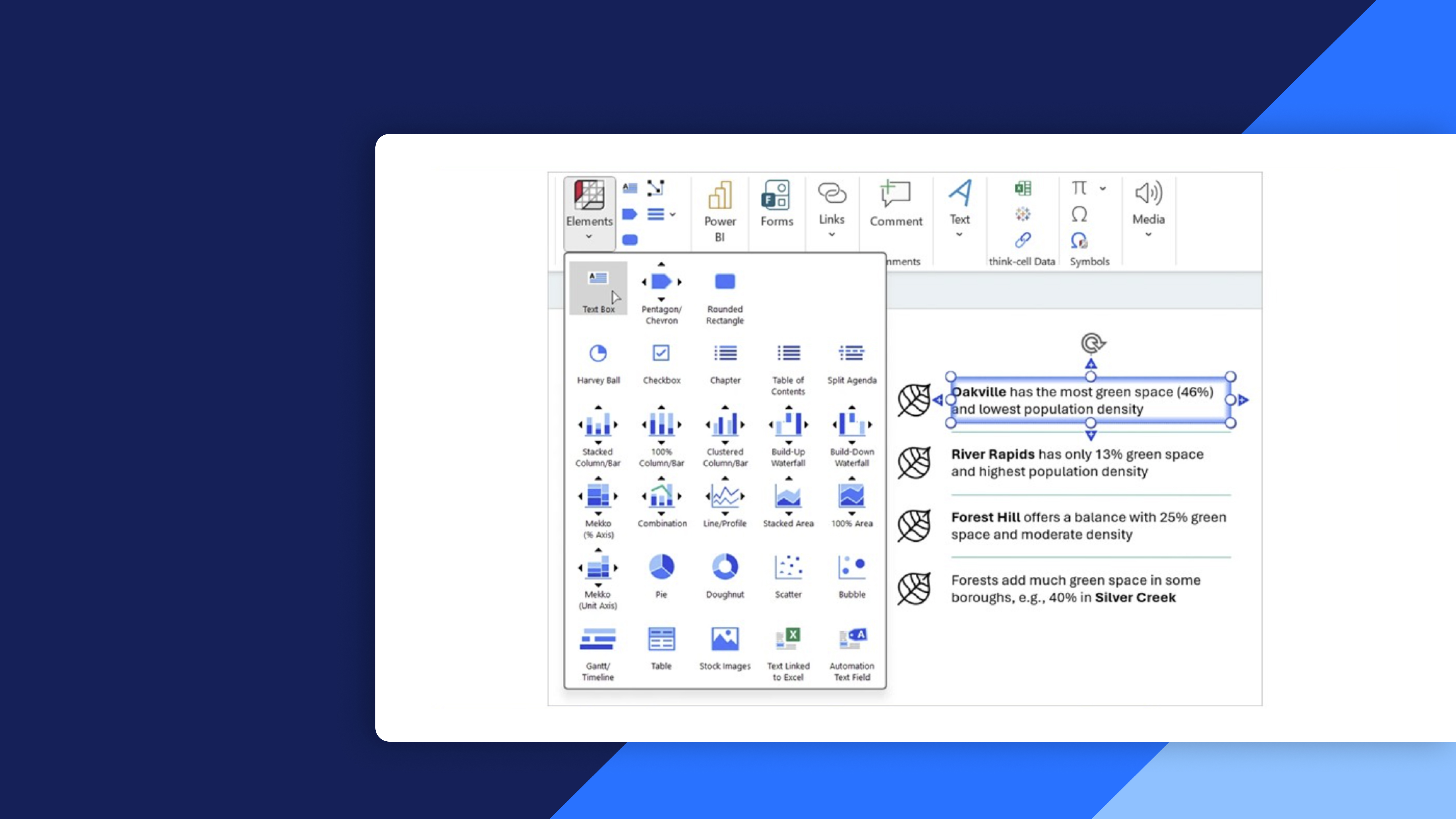
Build structured and professional PowerPoint slides using thinkcell elements. Learn how to efficiently create, format, align, and adjust slide elements for clear and consistent layouts.

  • Create and duplicate elements: Insert text boxes, tables, and icons, and duplicate elements to build slides efficiently.
  • Format and resize elements: Style, resize, and scale objects while maintaining consistent proportions and layouts.
  • Align and structure slides: Align elements, match object sizes, and group content to create balanced and organized slide designs.
  • Adjust slide elements: Swap, rotate, and flip elements to quickly refine and adapt your layouts.

Curriculum6 min

  • Insert, duplicate and format elements 4 min
  • Resize objects, scale shapes and match object sizes 2 min
  • Align, group and swap objects
  • Completion
  • Test your knowledge
  • Share your feedback 1 min
  • Complete course 1 min

About this course

Build structured and professional PowerPoint slides using thinkcell elements. Learn how to efficiently create, format, align, and adjust slide elements for clear and consistent layouts.

  • Create and duplicate elements: Insert text boxes, tables, and icons, and duplicate elements to build slides efficiently.
  • Format and resize elements: Style, resize, and scale objects while maintaining consistent proportions and layouts.
  • Align and structure slides: Align elements, match object sizes, and group content to create balanced and organized slide designs.
  • Adjust slide elements: Swap, rotate, and flip elements to quickly refine and adapt your layouts.

Curriculum6 min

  • Insert, duplicate and format elements 4 min
  • Resize objects, scale shapes and match object sizes 2 min
  • Align, group and swap objects
  • Completion
  • Test your knowledge
  • Share your feedback 1 min
  • Complete course 1 min