-
Installation and update 3 min
-
Share your feedback 1 min
-
Complete course 1 min

Install and update thinkcell
Learn how to install and update thinkcell on Windows and Mac, activate with a valid license key, and access the ribbon group in PowerPoint
Install, activate, and update thinkcell on individual or multiple computers. Learn the key requirements and steps needed to successfully set up and maintain thinkcell.
- System requirements: Review the operating system and Microsoft Office requirements for running thinkcell on Windows and Mac.
- License activation: Obtain and activate a valid thinkcell license key to start using the software.
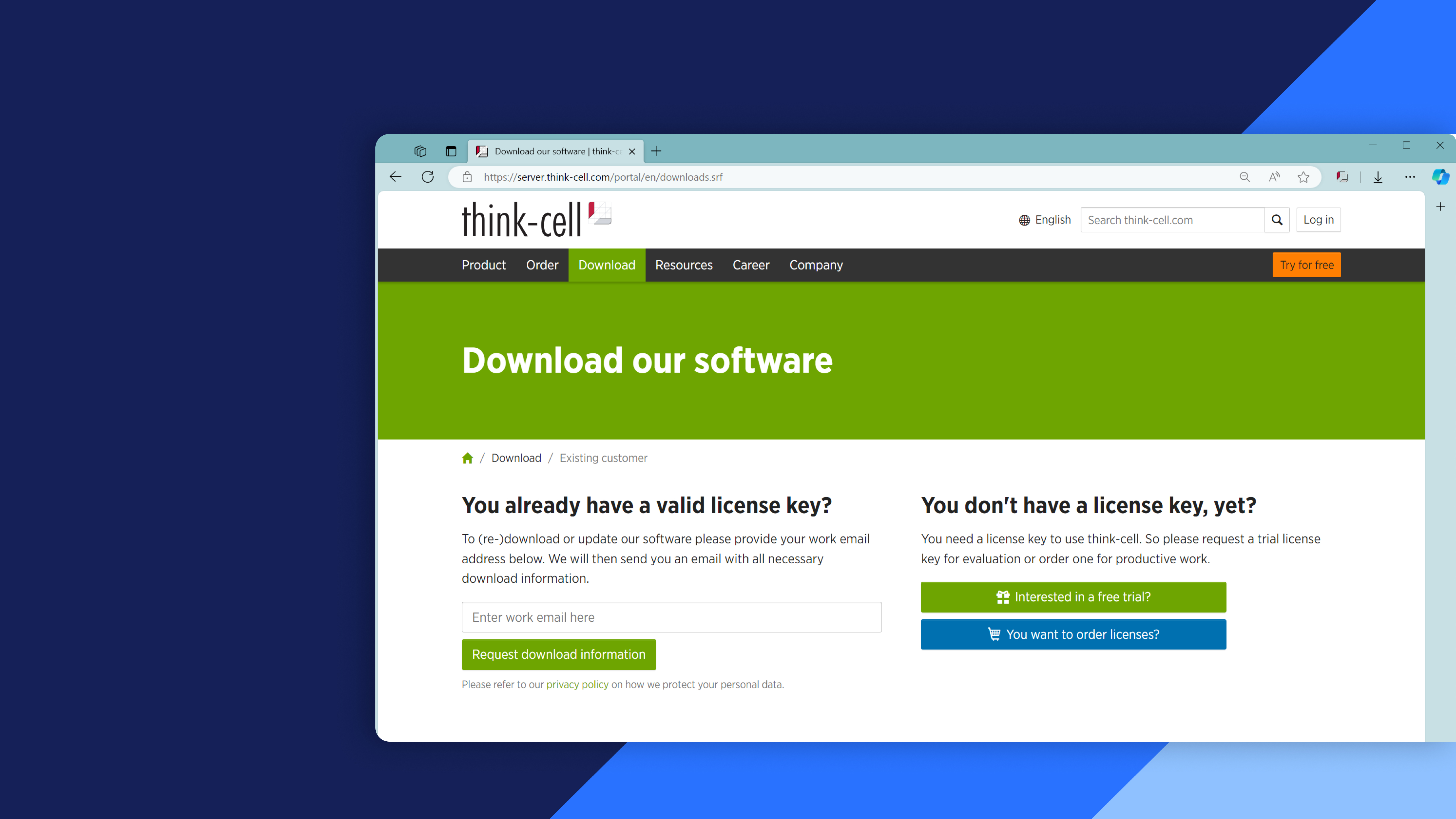
- Installation and setup: Download and install thinkcell, configure the installation, and activate the software.
- Access thinkcell: Locate the thinkcell ribbon in PowerPoint and access resources to help you get started.
- Automatic updates: Understand how thinkcell checks for, downloads, and installs updates while minimizing disruption to your workflow.