Learn PowerPoint basics

Learn how to work efficiently with presentation elements, and create professional looking slides

rate limit

Code not recognized.

About this course

Build a strong foundation in PowerPoint and learn the essential skills for creating clear, professional presentations. Explore core PowerPoint features and discover how thinkcell can make slide creation faster and more efficient.

  • PowerPoint fundamentals: Navigate the PowerPoint interface, understand when to use PowerPoint, and apply essential presentation basics.
  • Slide creation and structure: Create slides and efficiently select, arrange, format, and organize slide elements.
  • Introduction to thinkcell: Explore how thinkcell works within PowerPoint and helps streamline presentation creation.
  • Visual content: Add and manage images, icons, and tables to communicate information clearly and effectively.
  • Layout and layering: Align, position, and layer slide elements to create clean and organized layouts.
  • Presenting: Start and navigate a presentation, use Presenter View, and apply essential presentation tools.

Curriculum76 min

  • Getting started
  • Introduction 1 min
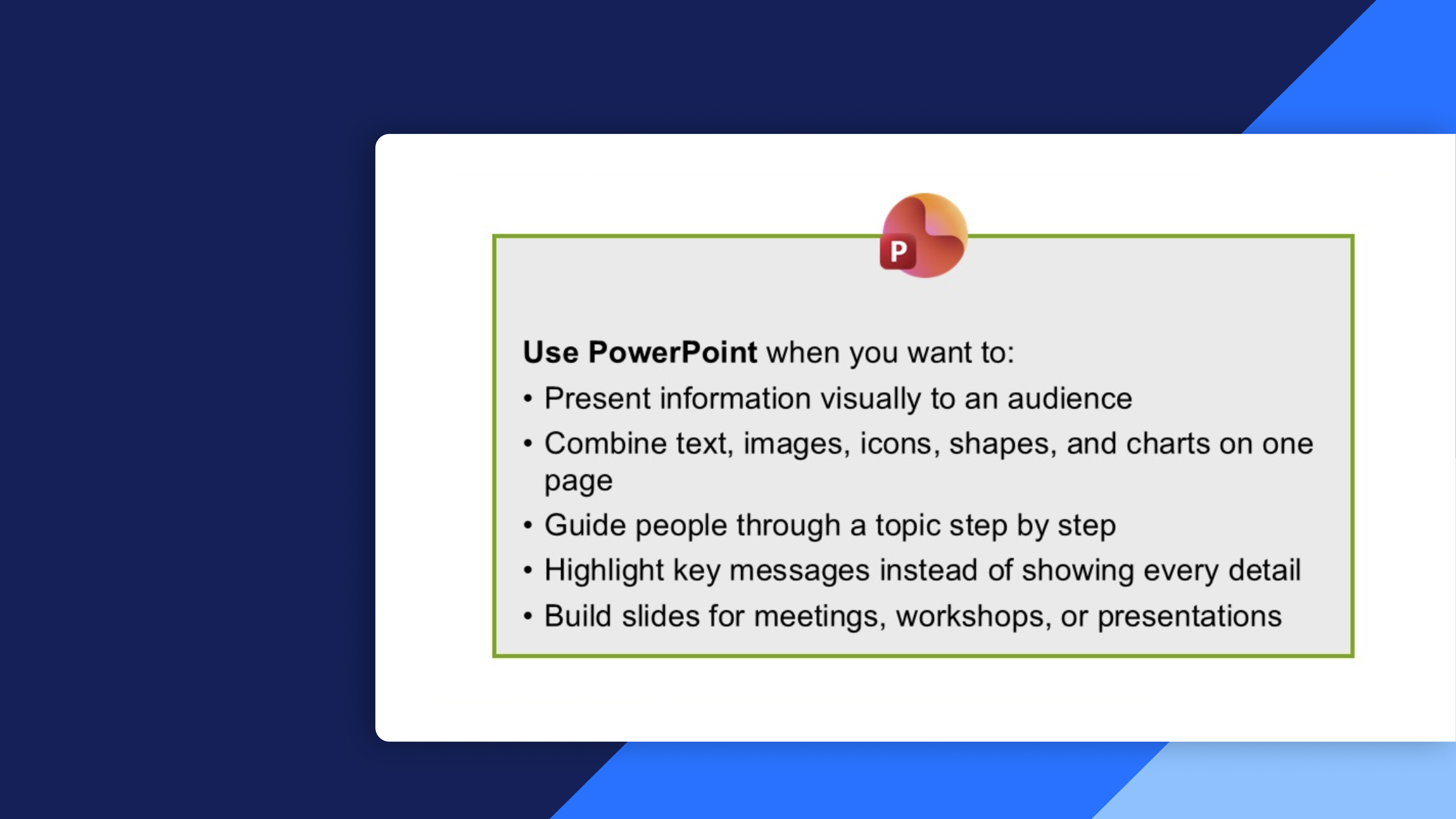
  • When to use PowerPoint 3 min
  • Start PowerPoint 6 min
  • PowerPoint basics 9 min
  • Start your first slide
  • Select a layout 5 min
  • Add content to slide 7 min
  • Add visual elements to slide 6 min
  • Adjust slide elements 2 min
  • Build your slide foundation
  • Select elements 5 min
  • Layout basics 5 min
  • First glance of thinkcell 4 min
  • Add visual content
  • Work with images 5 min
  • Work with icons 3 min
  • Work with tables 7 min
  • Refine and present your slides
  • Layering 1 min
  • Presenting 6 min
  • Completion
  • Test your knowledge
  • Share your feedback 1 min
  • PowerPoint basics quick reference guide
  • Complete course 1 min

About this course

Build a strong foundation in PowerPoint and learn the essential skills for creating clear, professional presentations. Explore core PowerPoint features and discover how thinkcell can make slide creation faster and more efficient.

  • PowerPoint fundamentals: Navigate the PowerPoint interface, understand when to use PowerPoint, and apply essential presentation basics.
  • Slide creation and structure: Create slides and efficiently select, arrange, format, and organize slide elements.
  • Introduction to thinkcell: Explore how thinkcell works within PowerPoint and helps streamline presentation creation.
  • Visual content: Add and manage images, icons, and tables to communicate information clearly and effectively.
  • Layout and layering: Align, position, and layer slide elements to create clean and organized layouts.
  • Presenting: Start and navigate a presentation, use Presenter View, and apply essential presentation tools.

Curriculum76 min

  • Getting started
  • Introduction 1 min
  • When to use PowerPoint 3 min
  • Start PowerPoint 6 min
  • PowerPoint basics 9 min
  • Start your first slide
  • Select a layout 5 min
  • Add content to slide 7 min
  • Add visual elements to slide 6 min
  • Adjust slide elements 2 min
  • Build your slide foundation
  • Select elements 5 min
  • Layout basics 5 min
  • First glance of thinkcell 4 min
  • Add visual content
  • Work with images 5 min
  • Work with icons 3 min
  • Work with tables 7 min
  • Refine and present your slides
  • Layering 1 min
  • Presenting 6 min
  • Completion
  • Test your knowledge
  • Share your feedback 1 min
  • PowerPoint basics quick reference guide
  • Complete course 1 min