
- Basic Gantt chart features
-
Learn the Gantt's basic features 5 min
-
Adjust labels and create sections 3 min
- Advanced Gantt chart features
-
Add responsible persons and remarks 3 min
-
Link Gantt charts to Excel 5 min
- Completion
-
Share your feedback 1 min
-
Complete course 1 min
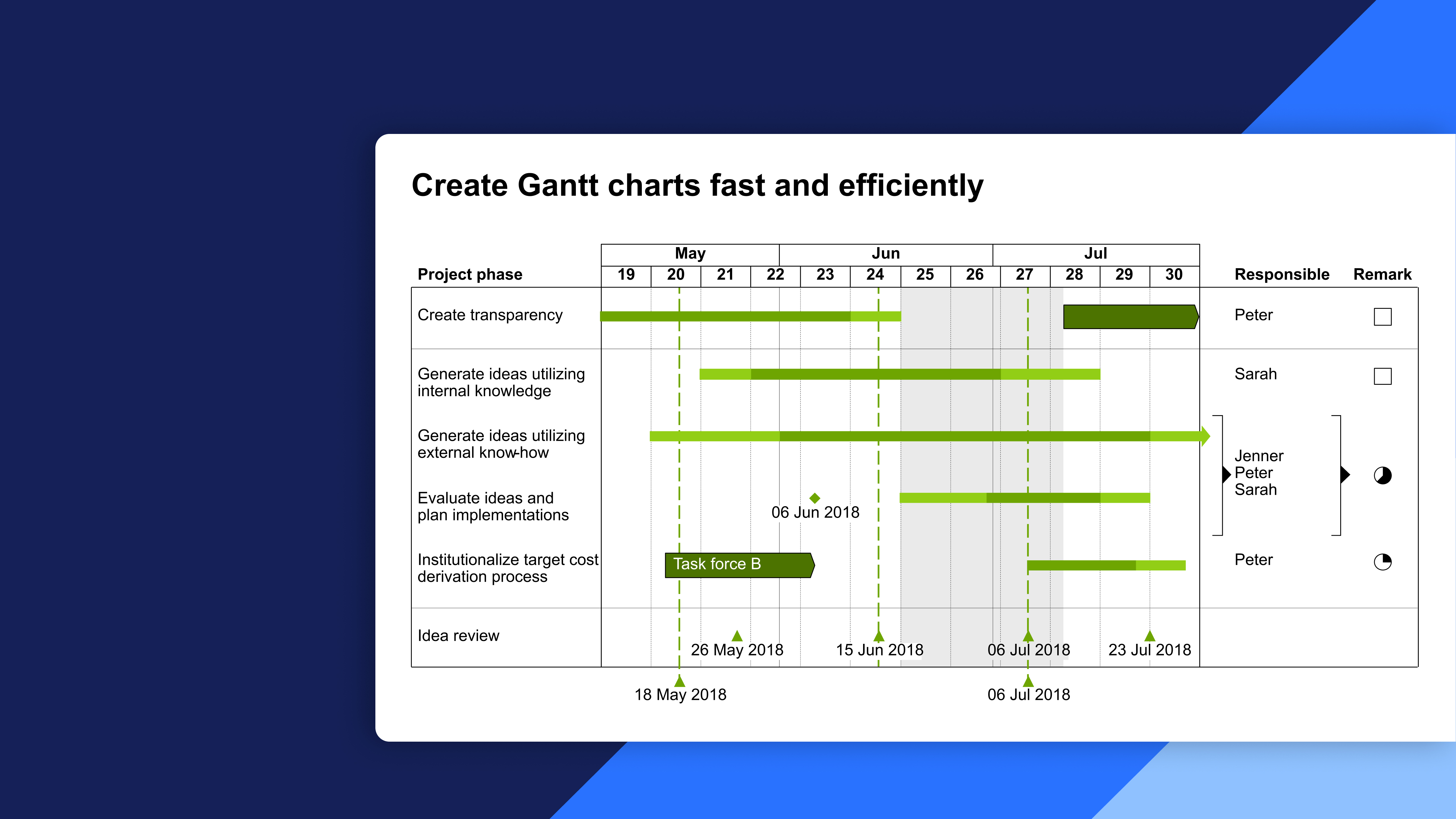
Create Gantt charts fast and efficiently
Course 3 of 9 in thinkcell Professional
Learn how to create professional Gantt charts quickly and efficiently using thinkcell's Gantt chart feature in PowerPoint
Create and customize Gantt charts in thinkcell to visualize timelines, activities, responsibilities, and milestones clearly. Learn how to build, format, and link Gantt charts to Excel for efficient project planning and updates.
- Gantt chart basics: Insert and edit activity rows, activity columns, scales, milestones, and timeline elements.
- Labels and sections: Add date labels, milestones, anchor points, and row separators to organize and clarify your Gantt charts.
- Advanced Gantt features: Add responsibilities and remarks, use ideograms, and incorporate timeline elements such as process arrows, shades, and brackets.
- Excel data linking: Link Gantt charts to Excel, manage chart elements through the data sheet, and use external Excel files to drive and update your charts.