
- Basic thinkcell tips
-
Save individual slides 3 min
-
Knowledge check
-
Use shortcuts to multi-select 2 min
-
Apply CAGR arrows to charts 3 min
-
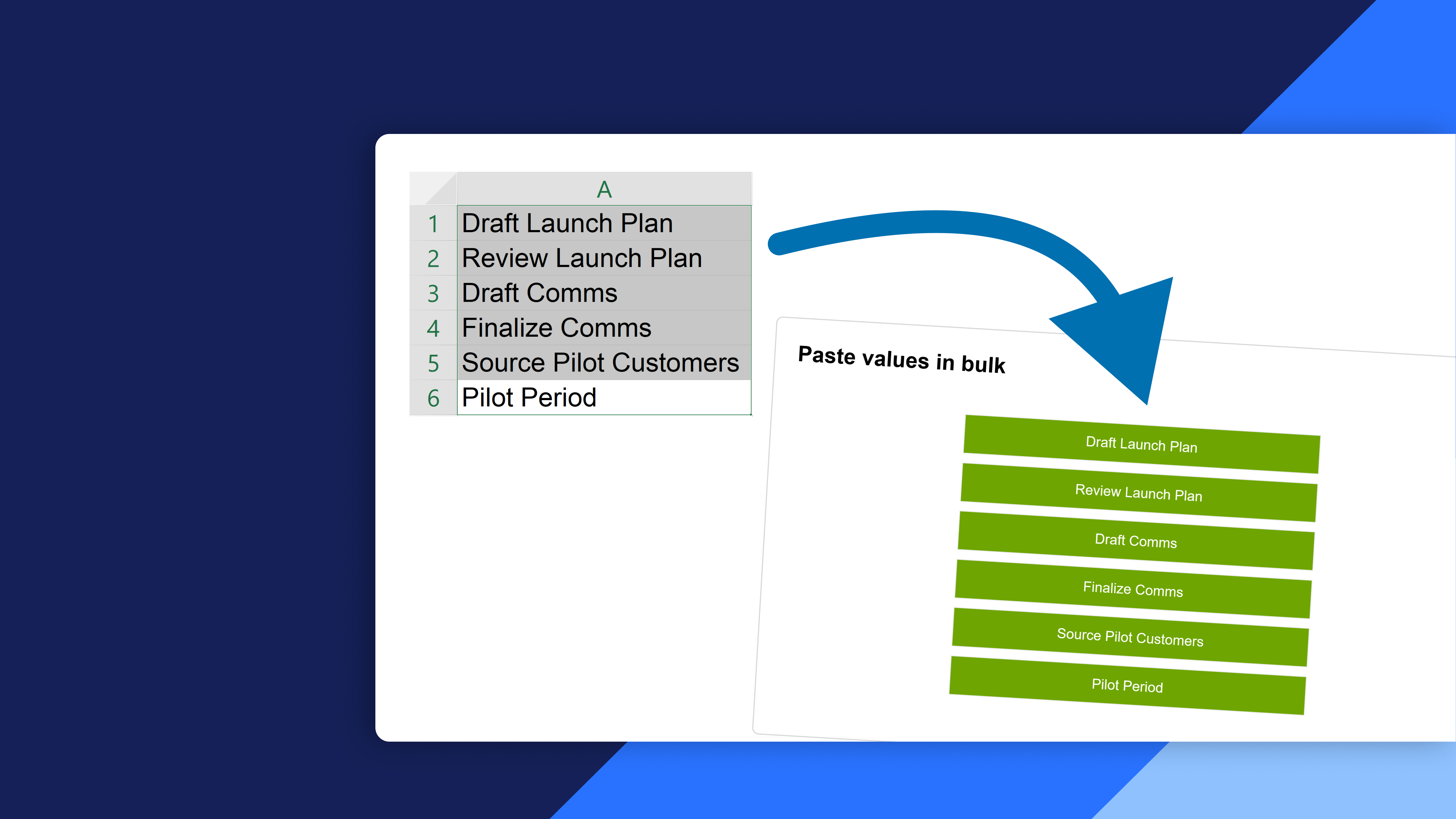
Paste values in bulk 1 min
-
Create dynamic agendas 3 min
-
Add agenda sub-chapters 2 min
- Completion
-
Share your feedback 1 min
-
Complete course 1 min
thinkcell tips & tricks (Basics)
Course 6 of 9 in thinkcell Professional
Learn about the basic tips and tricks that will make your work with thinkcell even more effective
By the end of this course, students will be able to enhance their thinkcell skills with basic tips and tricks:
- Mastering basic thinkcell tips: Learn and apply basic thinkcell tips to enhance productivity and efficiency in creating presentations
- Utilizing shortcuts to multi-select: Understand and implement shortcuts for multi-selecting elements within thinkcell to streamline tasks and improve workflow
- Implementing CAGR arrows to charts: Learn the process of applying CAGR (Compound Annual Growth Rate) arrows to charts and utilize this feature effectively in financial and statistical presentations
- Creating dynamic agendas: Develop the ability to create dynamic agendas in presentations, enabling the seamless organization and structuring of content