- Introduction
-
What's new 1 min
- thinkcell Charts
-
Inner and outer plot area 3 min
-
100% row 3 min
-
Slide workbook 5 min
-
Net lines 4 min
-
Data tables 6 min
-
Improved data linking 5 min
-
Data links menu 4 min
- thinkcell Library
-
New insertion options 4 min
-
Convert icons into vectors 3 min
- thinkcell Core
-
Swap objects 1 min
-
Scale 2 min
- Completion
-
Test your knowledge
-
Share your feedback 1 min
-
Complete course 1 min

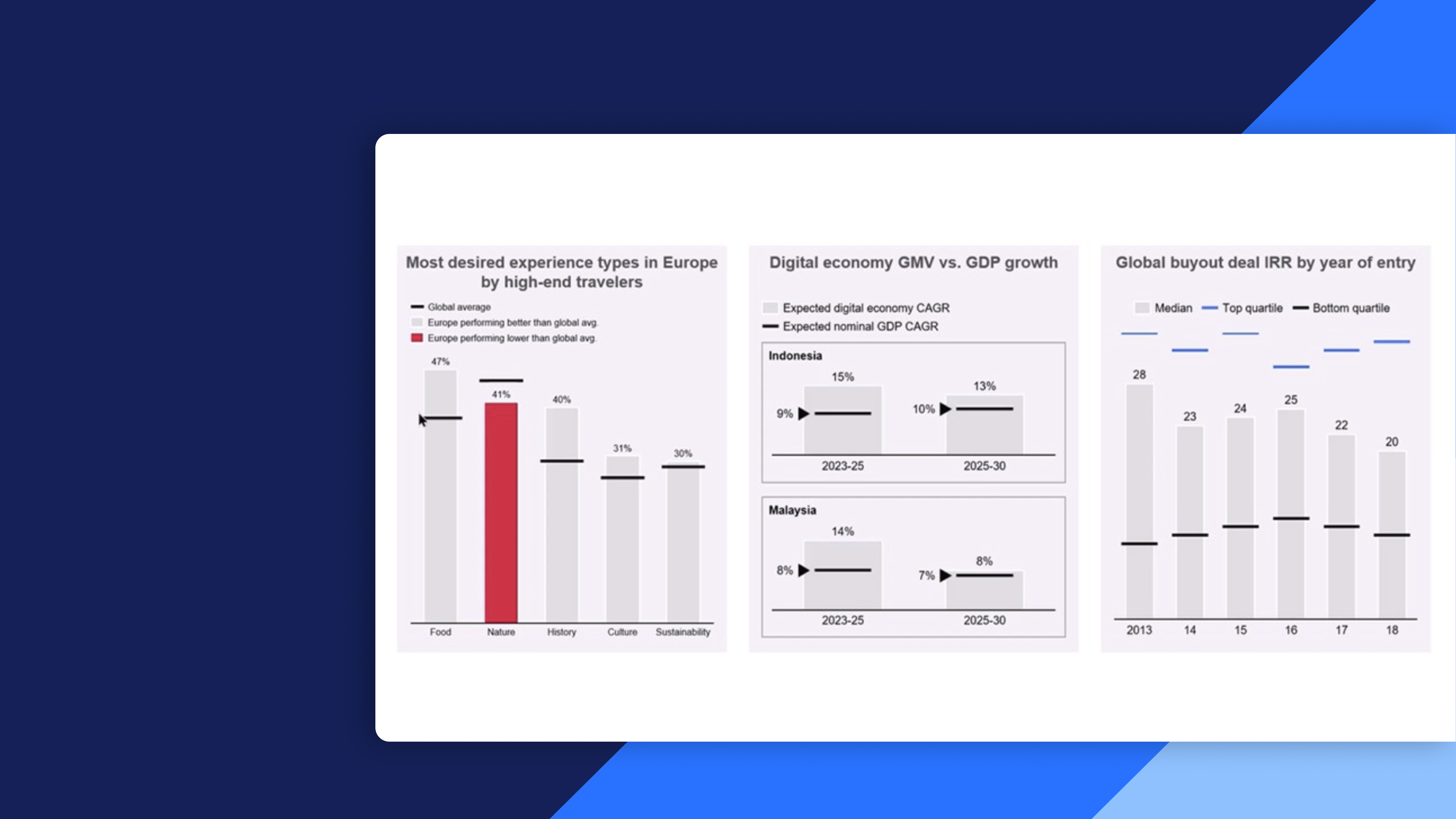
thinkcell 14 new features
Discover the new features in thinkcell 14 including new layout tools, the updated thinkcell Library, and enhanced data linking
This course provides a focused overview of the new features in thinkcell 14, helping learners understand how to work faster, manage data more confidently, and create clearer, more insightful PowerPoint slides.
- New layout tools: Use new tools such as object swapping, proportional scaling, and precise chart alignment to quickly adjust slide designs while maintaining visual balance and storytelling clarity.
- Updated thinkcell Library: Reuse slides and elements using source or destination formatting, insert individual assets, filter duplicates, and customize icons and visuals while maintaining brand consistency.
- Enhanced data integration: Discover the new slide workbook, improved table formatting, and better link management.